Team Builder
Create and edit teams and agent roles without living in CLI commands or scattered config files.
Plugin
The operator layer for OpenClaw. Manage teams, workflows, plugins, files, approvals, and execution visibility from a UI built for daily use, not just initial setup.
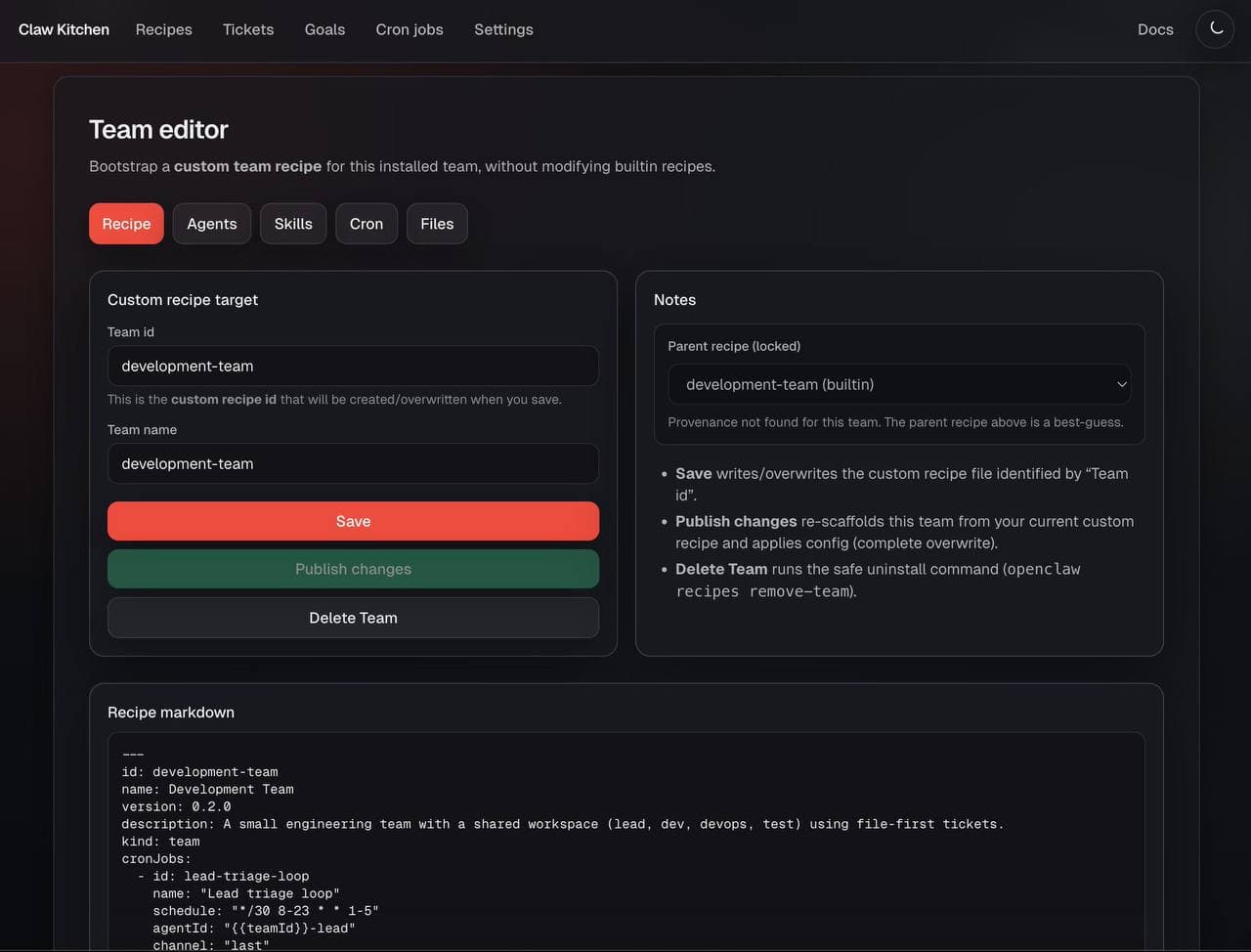
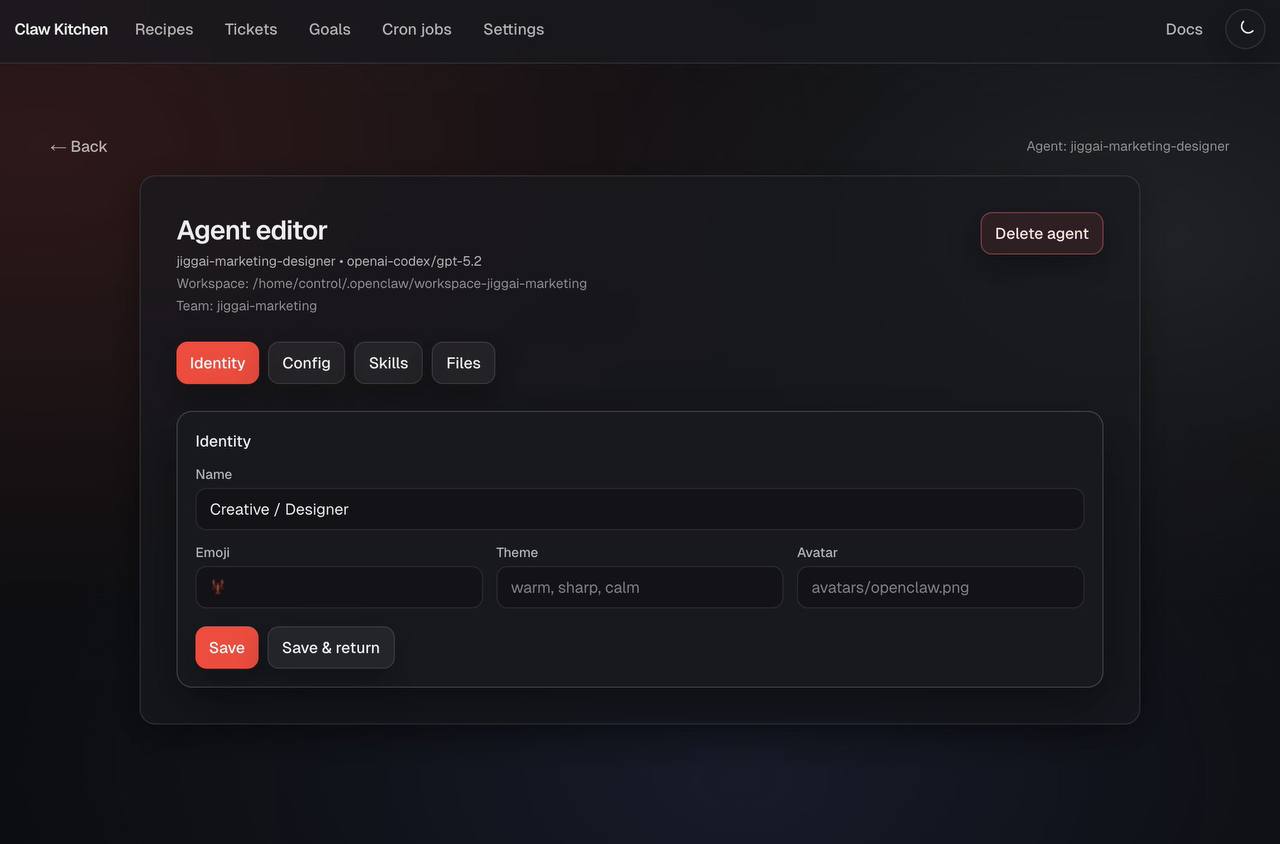
Create and edit teams and agent roles without living in CLI commands or scattered config files.
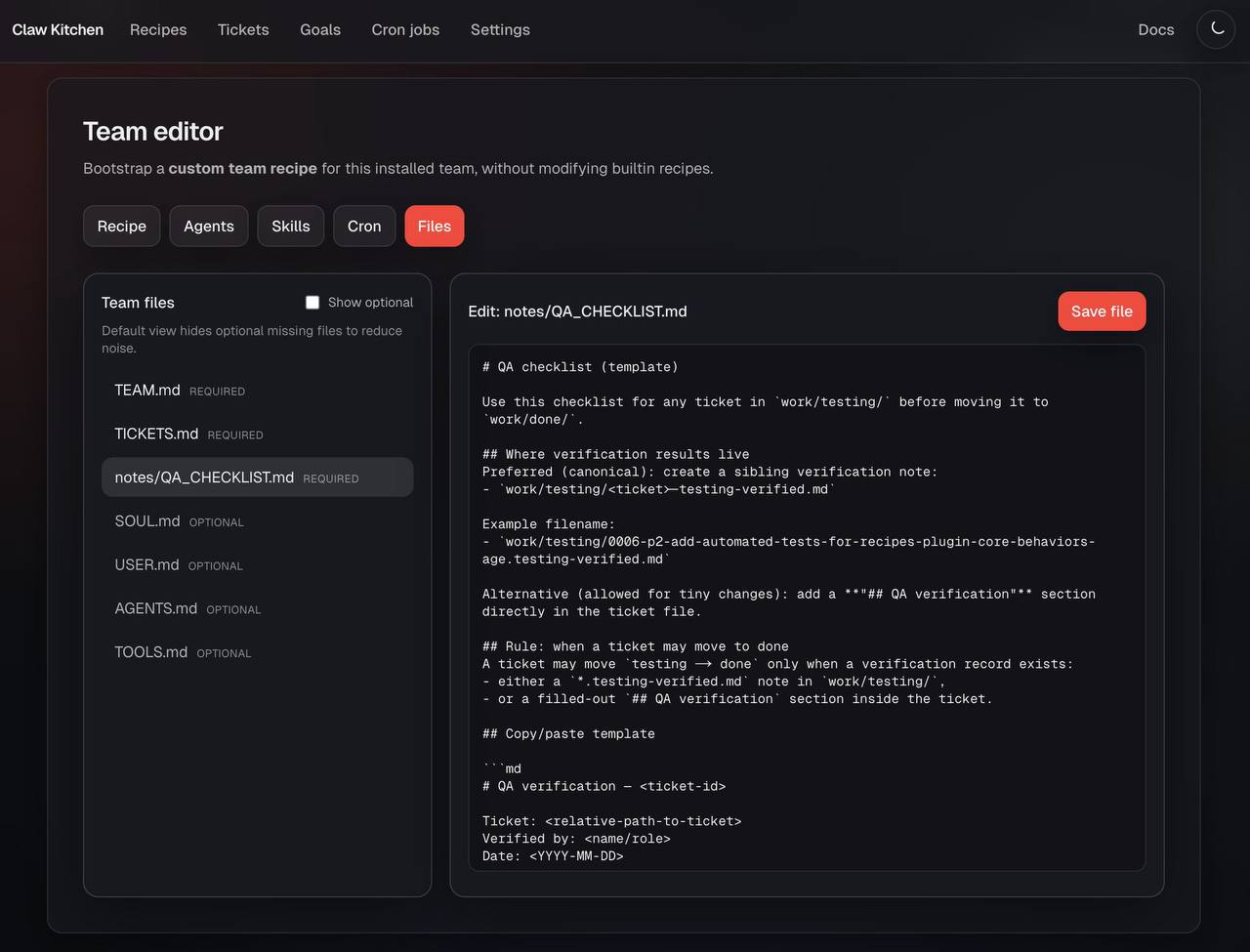
Operate workspace context, artifacts, and durable team knowledge from one place.
Kick off manual, cron, and event-driven runs across multiple node types from one dashboard.
Install plugins and shape team setup from a UI that operators can actually use daily.
Quick Install
"kitchen": {"enable":true}"kitchen": {
"enabled": true,
"config": {
"dev": false,
"host": "<ipAddress>",
"port": 7777,
"authToken": "<your_password>",
"qaToken": "<randomHash_if_using_qa>"
}
},Feature 1
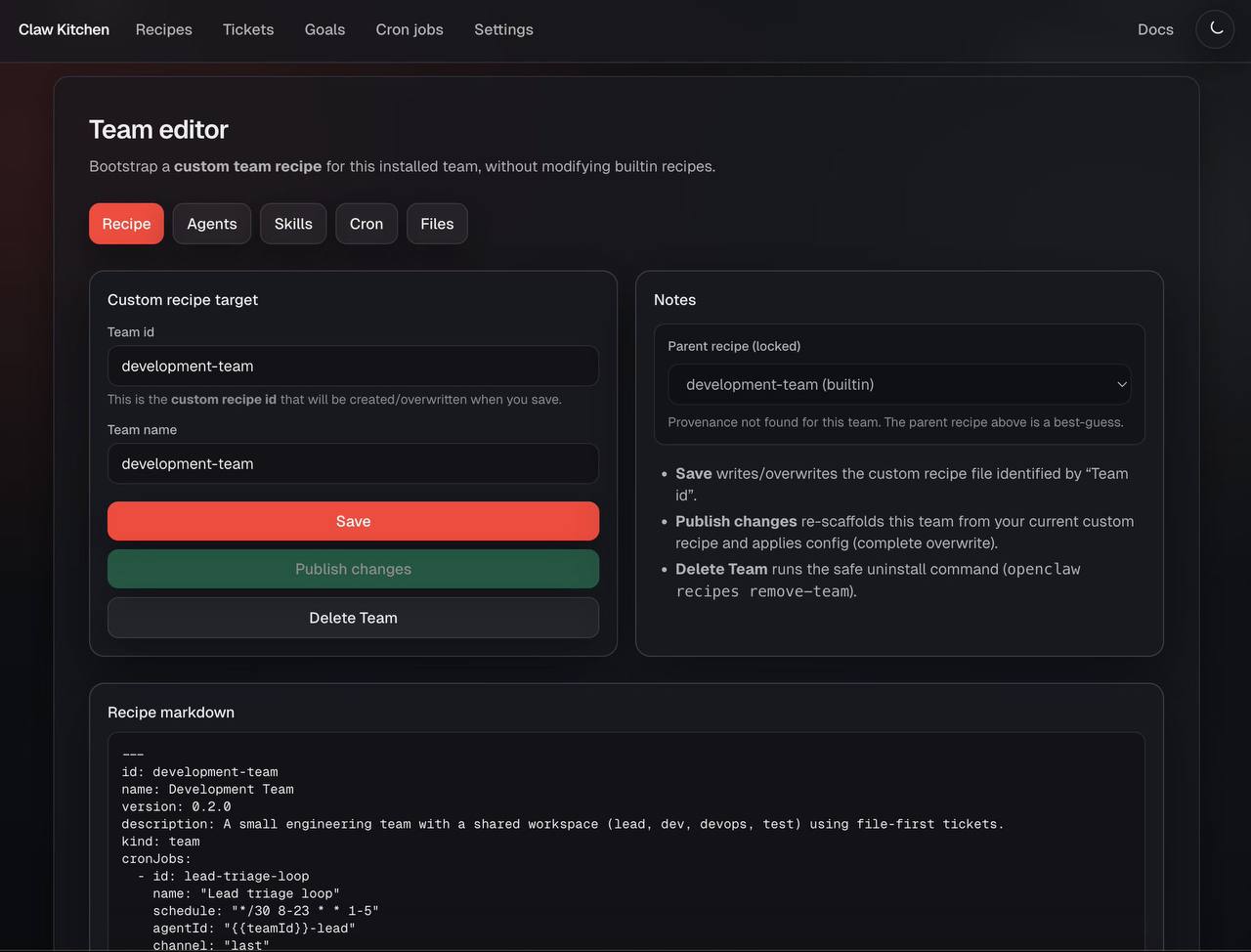
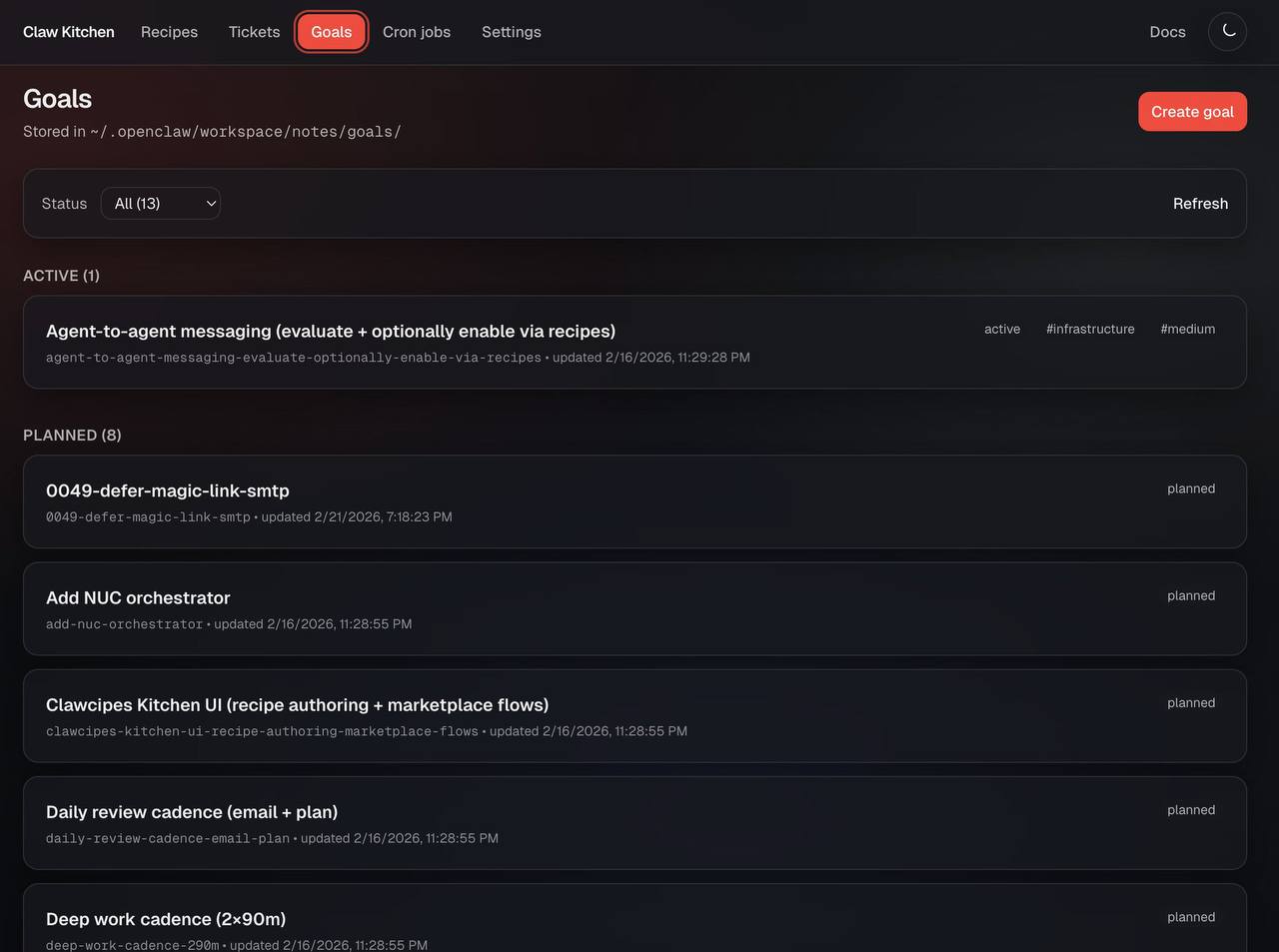
ClawKitchen turns an OpenClaw deployment into something operators can actually run. Instead of living across config files, terminal commands, and fragile tribal knowledge, teams get a single place to inspect roles, workflows, runs, artifacts, and the state of the system. It is the missing daily-use layer between raw capability and real operations.
Feature 2
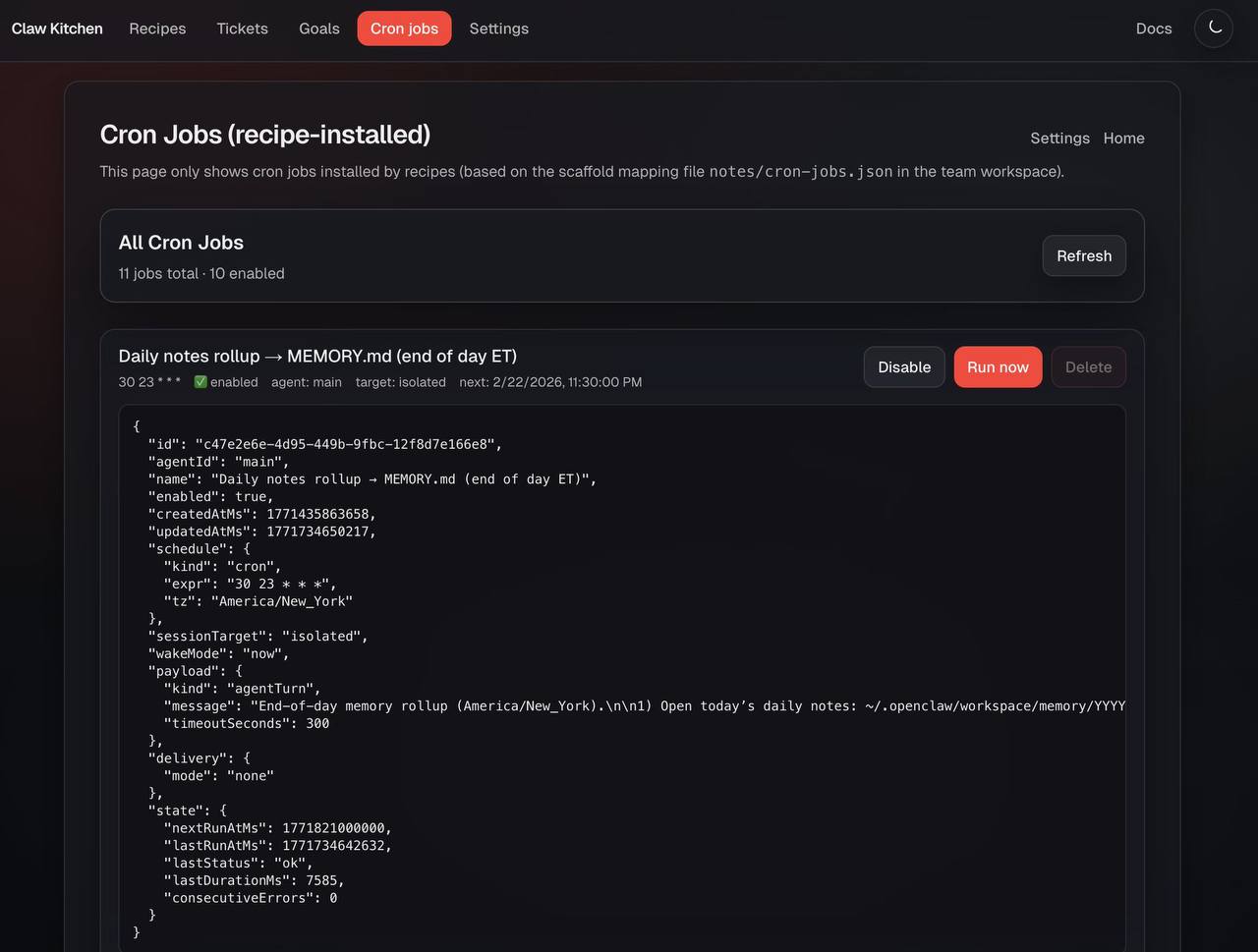
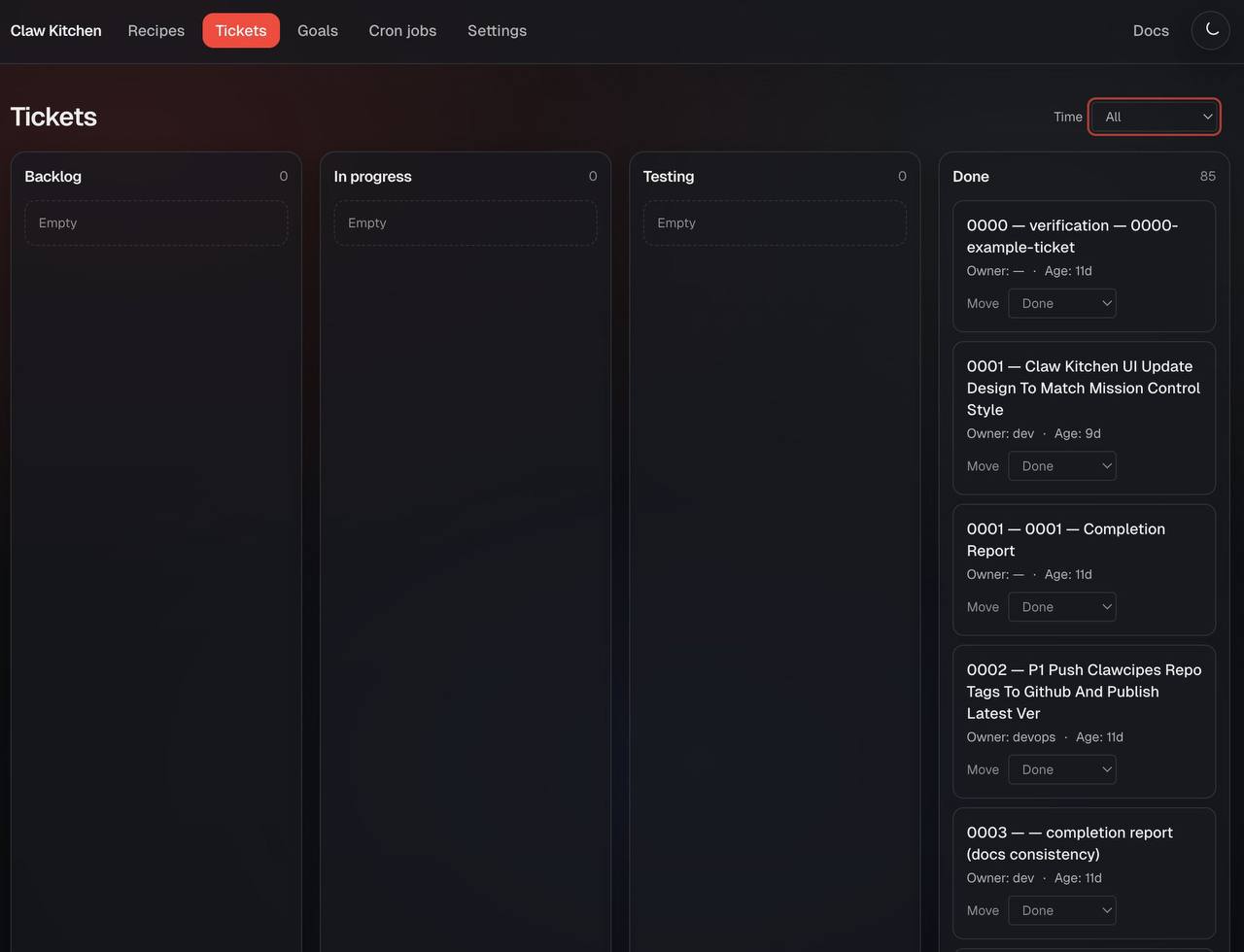
Agent systems get much easier to trust when you can see the work moving. ClawKitchen surfaces runs, approvals, outputs, and state transitions so workflows feel inspectable instead of magical. That matters when you want teams to use automation in the middle of real delivery, not just as a toy demo.


Feature 3
One of the strongest examples of the plugin model is marketing operations. Instead of treating content work as scattered documents and manual social posting, the marketing plugin brings calendars, media, previews, approvals, and publishing into the same operational stack. It turns campaign work into a visible workflow with real leverage.

Feature 4
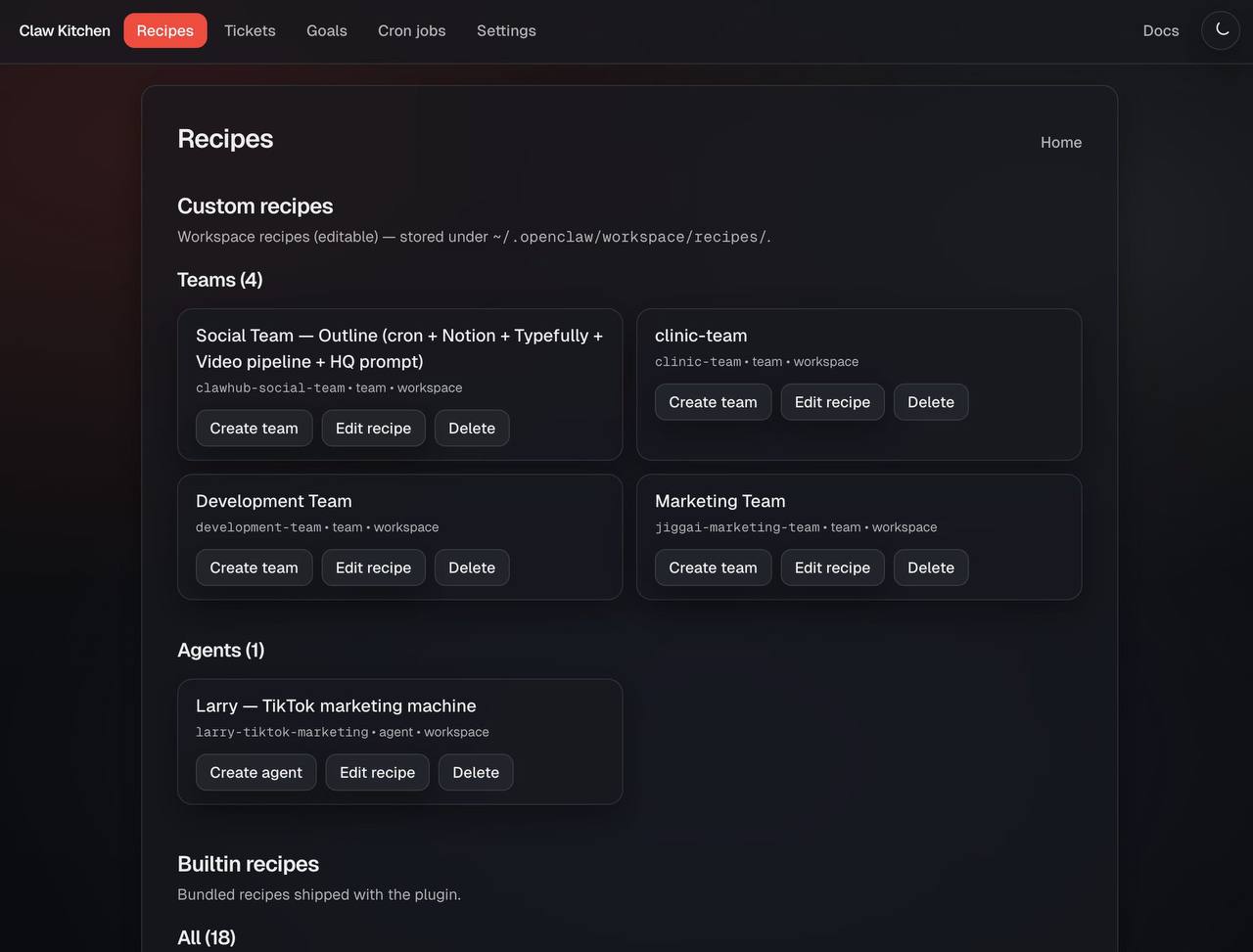
ClawRecipes installs the operating model. ClawKitchen makes it usable day to day. Together they give teams both the repeatable structure and the operator experience they need. Recipes define how the system should work. Kitchen makes that system visible, navigable, and manageable once it is live.


Coming soon
Want a hands-on team to set up ClawKitchen, plugins, workflows, approvals, and team operations for you? Join the early list.
Request info and tell us what kind of managed team, workflow, or plugin help you want.